Accessibility and content design: building inclusive digital content

Good content design has always been about helping people find, understand and use information. Access to digital content starts from exactly the same principle. 

Yet many content designers still see accessibility — and document accessibility in particular — as a specialist technical discipline that sits somewhere outside their role.

In reality it is different.


If you're using plain language, creating meaningful headings, structuring information logically and thinking about audience needs, you're already doing accessibility work.

What many content teams haven't been told is that these skills align directly with international accessibility standards.

The gap is rarely capability. More often, it's awareness of the remaining technical requirements and the confidence to design to implement and advocate for them.

This matters because even the clearest content can become inaccessible when it's published in a poorly:

  • tagged PDF
  • structured document.
Document accessibility — how digital files are built, tagged and exported — is often where well-intentioned content teams hit their biggest gaps. When these documents are placed within a badly structured website or exported without the metadata that assistive technologies rely on, the content could be excellent, but the user experience still fails.
  Course: Writing for Accessibility

Learn how to write inclusive content

Get the skills to ensure everyone who needs your product can access, understand and use it. Understand what it means to write for all types of people, including those who have limitations, restrictions or impairments.  

Our 15-hour, online course is designed for anyone that wants to create more inclusive digital experiences.
Let’s explore how familiar content design practices connect to the accessibility standards and explain where the most common gaps remain. Through this, we can find practical ways for content teams to advocate for inclusion within their organisations.

Digital Access Solutions and Assistive Technology (DASAT) works with Australian organisations to audit, improve and embed digital accessibility across websites, documents and digital services. Through this work, we regularly see the strengths content teams already bring to accessibility, as well as the technical barriers that can prevent users from accessing information equally. 

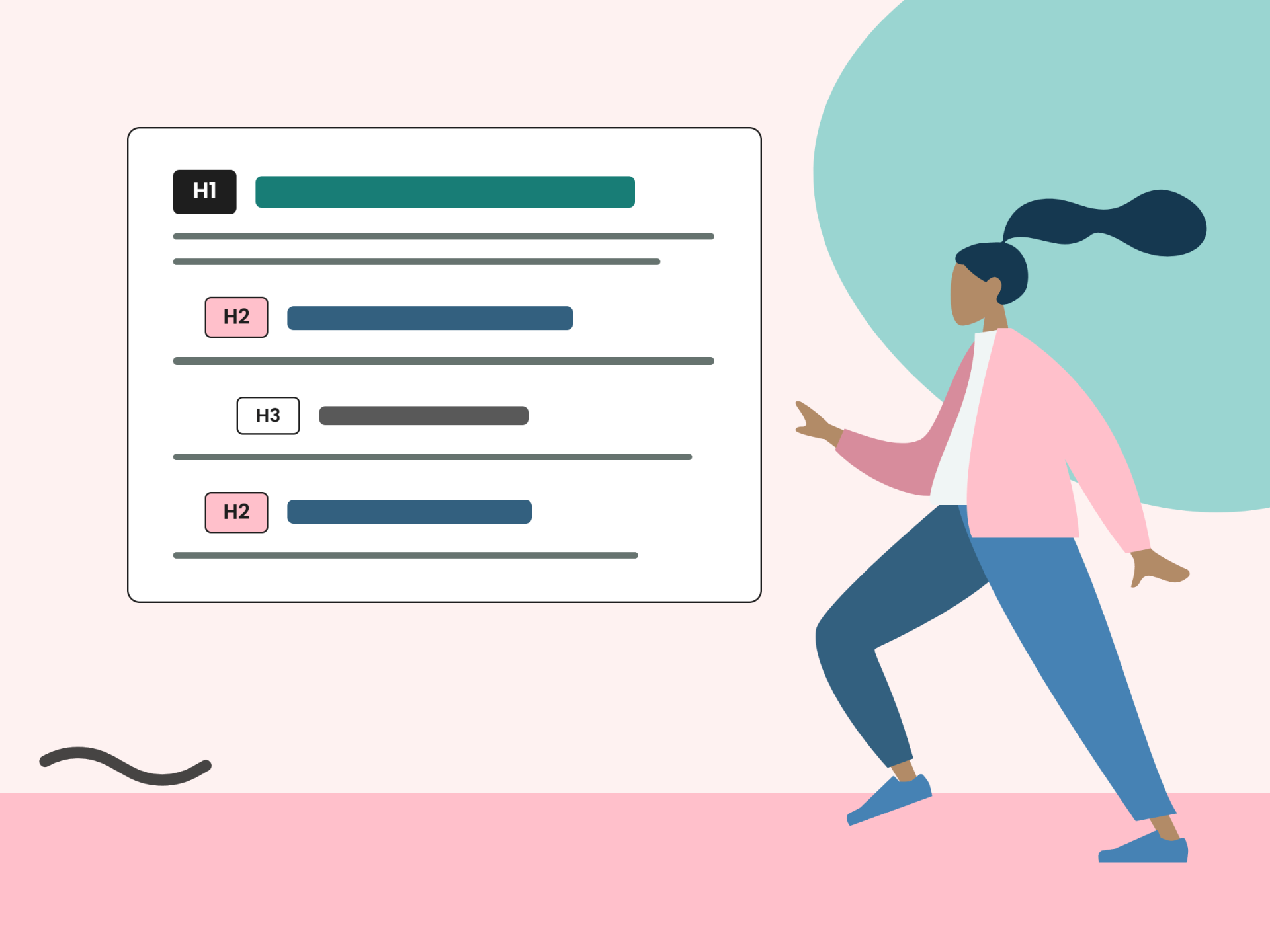
A content designer uses heading hierarchy.

What you're already doing and what it's called

One of the biggest assumptions about accessibility is that it belongs exclusively to developers or compliance specialists.

In reality, accessibility starts long before a website is coded or a PDF is published.

Plain language

When content designers simplify complex information, remove unnecessary jargon and write with clarity, they are supporting accessibility. 

This aligns closely with WCAG Success Criterion 3.1.5, which encourages content that is easier to read and understand. Plain language benefits everyone, but it is particularly important for people with cognitive disabilities, language processing differences, low literacy, fatigue, stress or limited familiarity with a topic.

The goal is not to oversimplify. It is to communicate clearly enough that users can focus on the information itself rather than deciphering the language or the being able to actually read the words due to bad fonts.

For more on why this matters for people with cognitive disability, read DASAT's guide to cognitive overload and accessibility.

Heading structure

Content designers naturally organise information into sections and sub-sections. Accessibility standards recognise the importance of this practice through WCAG Success Criterion 1.3.1. This success criterion talks about the relationship between everything on the page. How does an image and the words around it link together?

Headings help users understand information hierarchy. For screen reader and braille device users, headings also provide a way to navigate quickly through content. Many users move between headings rather than reading an entire page from beginning to end. In other words, they are scanning the document to find the key words. Just like a person with sight would do. 

A common issue occurs when text is made bold and enlarged to look like a heading without being assigned an actual heading style. Visually, this appears correct. Technically, however, assistive technologies cannot identify it as a heading.

The distinction may seem minor, but it fundamentally changes how users navigate content.

Meaningful link text

Links should clearly communicate where they lead.

Phrases such as "click here", "read more" or "learn more" can create confusion for users who rely on screen readers.

Many screen reader users access a list of links independently from the surrounding content. If every link is labelled "read more", each option becomes meaningless.

WCAG Success Criterion 2.4.4 requires links to make sense within their context.
  • A link labelled "Download the Annual Report 2025 (PDF)" tells users exactly what to expect before they select it.
  • A link labelled "click here" does not.

Writing for audience context

Perhaps the most important contribution content designers make is understanding audience needs.

Good content design considers user goals, emotional states, environments, technology and prior knowledge.

Accessibility builds upon this same foundation.

The 4 principles at the heart of WCAG are often summarised as "POUR":

  • Perceivable
  • Operable
  • Understandable
  • Robust

Content designers already spend much of their time addressing these principles, even if they do not use the terminology.

Every decision that reduces confusion, improves comprehension or removes friction contributes to a more accessible experience.

"The key message is simple: if you've been doing these things, you've been doing accessibility work. That's worth recognising, and worth building on."
— Narelle Wright.

Document accessibility: where the gap usually is

Most content teams already understand how to create clear, audience-focused content. The accessibility challenges tend to appear at the point where content overlaps with technology.

This is often where accessibility audits uncover issues that may not be visible during everyday content review.

Alt text for complex content

Many organisations understand that images need alternative text.

However, complex visual content requires more than a simple description.

For example, describing a chart as "bar chart showing annual revenue" tells users what the object is, but not what information it communicates.

A more useful alternative might be:
"Annual revenue increased steadily between 2021 and 2025, with the largest increase occurring between 2024 and 2025."

The purpose of alternative text is not merely to identify an image. It is to communicate the information or insight that sighted users receive visually.

This requires content reasoning as much as technical knowledge.

Language settings

One of the most frequently overlooked accessibility requirements is document language.

WCAG Success Criterion 3.1.1 requires the language of a document to be identified programmatically. Screen readers use this information to determine pronunciation rules and reading behaviour.

A document may be written entirely in English yet still fail accessibility requirements if the language property has not been set correctly.

Many content professionals have never encountered this requirement because it operates behind the scenes. Yet its impact on users can be significant.

Colour contrast

Brand colours and accessibility requirements do not always align.

WCAG Success Criterion 1.4.3 requires:
  • A minimum contrast ratio of 4.5:1 for standard body text.
  • A minimum contrast ratio of 3:1 for large text
Design systems frequently fail these thresholds, particularly when using lighter brand colours.

The good news is that contrast can be checked quickly using freely available tools such as Shannon Towell Design’s multi-colour contrast checker.

Small adjustments often make a substantial difference to usability without compromising brand identity.

Table structure

Tables should present data.

When tables are used purely for layout, they can create confusion for screen reader users because assistive technologies interpret them as data relationships.

Data tables should include properly identified header rows and logical structures that allow users to understand the relationship between rows and columns. 
  • Never merge or split cells.
  • Ensure that there is never an empty cell. 
  • All tables should have borders both internal and external.
Whenever possible, layout should be achieved through templates and document styling rather than tables.

Document export and PDF accessibility

This remains one of the most common findings in accessibility audits.

A Word document can appear perfectly structured, use heading styles correctly and follow plain language principles, yet still become inaccessible after conversion to PDF.

Problems often emerge during export when document tags, reading order, heading structures or accessibility metadata are lost or altered.


As a result, users may encounter:
Missing document structure
Incorrect navigation
Poor screen reader experiences
Content presented in the wrong sequence
The issue is not usually the content itself. It is the publishing process.

Document accessibility and lived experience

There are many people who can’t read a document for various reasons. It can be situational.
  • They left their glasses at home or they are in a bad light. 
  • They might have broken bones which prevents them from using the keyboard or other tools. 
  • Or they might need to use screen readers or braille devices. 
  • Others, such as those who have migrated to our country, may struggle with the meaning and the way that the words are used. 
Then, you have people like myself, who are reliant on screen readers.

It is frustrating to not be able to read a document. I have the knowledge. I know how to read. I can understand the document. However, if the document is not accessible I am reliant on others.  

A good example is the body corp bills.

The bills that I receive are not accessible. This means that I have to wait for someone to read the bill to me. I can pay the bill. However, I can’t verify if the bill is correct.

The response from the strata managers was to set up direct debit. This doesn’t solve the problem of not being able to read the bill. It just means that I do not know what I am paying for. Who pays a bill when they don’t know what it is?

Reading order: the hidden barrier

Reading order deserves particular attention because it frequently affects both websites and documents.

For sighted users, information appears visually organised. Screen reader users, however, experience content in the order it is coded.

If a page contains sidebars, floating content blocks, popup windows, poorly structured columns or incorrectly tagged PDF elements, the reading order can become illogical. 

  • A user might hear the footer before the main content. 
  • Navigation elements may interrupt sentences. 
  • Important context may appear after the information it is supposed to explain.
In many cases, accessibility improvements have already addressed some barriers, yet these reading order issues remain. They are often invisible to content creators until testing occurs.

This is where the "last mile" accessibility gap frequently sits: not in the writing itself, but in how content is structured, tagged and delivered.
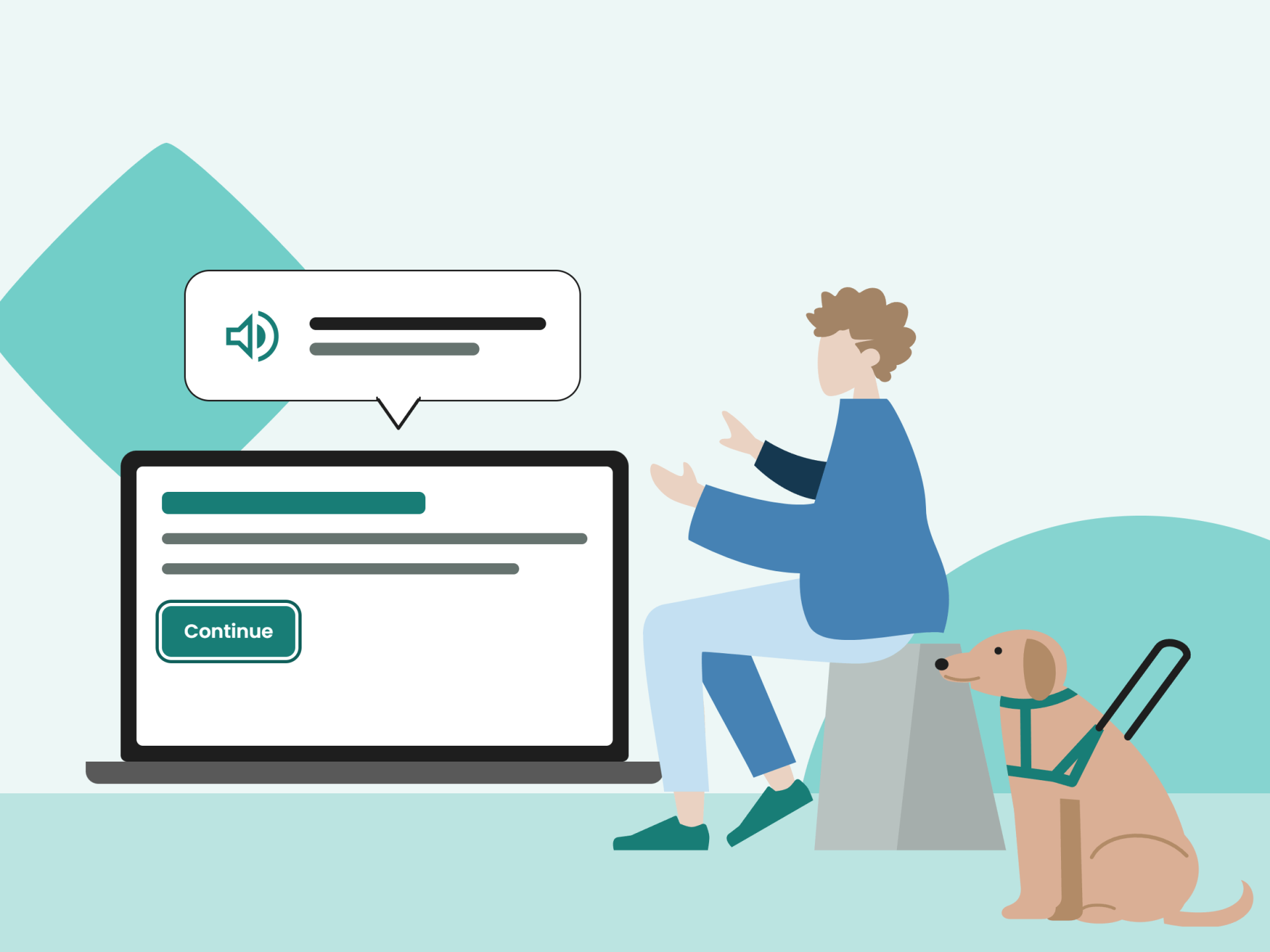
A user with a guide dog uses a screen reader on a laptop.

Standards that apply wherever you work

Accessibility requirements differ slightly across jurisdictions, but they share a common foundation.

WCAG 2.2 AA and AAA

Jurisidiction: International
What it means in practice: the baseline standard for digital content, websites and documents. AA is the expected level; AAA represents leading practice.

AS EN 301 549:2024

Jurisidiction: Australia
What it means in practice: Australian Government ICT accessibility standard. Incorporates WCAG 2.2 requirements and applies to digital documents.

Disability Discrimination Act 1992

Jurisdiction: Australia
What it means in practice: prohibits discrimination, including barriers caused by inaccessible information and digital services. WCAG 2.2 is included in the advisory note: Guidelines for Equal Access to Digital Goods and Services.

EN 301 549

Jurisdiction: European Union
What it means in practice: supports compliance with European accessibility legislation, including public sector requirements.

Section 508 / ADA

Jurisdiction: United States
What it means in pracitce: requires accessibility across many government and organisational digital services, including documents.

Equality Act 2010 and Public Sector Bodies Accessibility Regulations

Jurisdiction: United Kingdom
What it means in practice: establishes accessibility obligations for public sector bodies and influences broader organisational practice.

For content designers, the important takeaway is that WCAG 2.2 AA is the common thread. Whether you're producing content for government, higher education, healthcare, financial services or the private sector, the same core accessibility principles apply.

The standards may appear technical, but they ultimately measure something familiar: whether people can access, understand and use information effectively.

How to advocate for accessibility in your organisation

Content designers are often uniquely positioned to champion accessibility because they sit at the intersection of user needs, communication and organisational objectives.

Advocacy becomes easier when accessibility is framed in ways decision-makers already understand.

Connect accessibility to risk

Accessibility is not simply a quality improvement initiative. Inaccessible content can expose organisations to:
  • complaints 
  • legal action
  • reputational damage under legislation including Australia's Disability Discrimination Act, the Americans with Disabilities Act and the UK's Equality Act.
For leaders responsible for governance and risk, accessibility is increasingly a business issue rather than a specialised technical consideration.

Connect accessibility to quality

Accessibility should not be presented as something separate from good content. Accessible content is:
  • clearer
  • easier to navigate
  • more usable for everyone.
It reduces errors, improves completion rates and supports better user outcomes. It improves business efficiency at the same time.

When accessibility is positioned as a content quality standard, conversations often become more productive.

The question shifts from "Do we need accessibility?" to "Why would we publish content that excludes part of our audience?"

Use audit findings as evidence

Professional accessibility audits provide objective evidence that can support internal advocacy. 

Rather than relying on general statements about accessibility, content teams can point to specific barriers, risk levels and remediation priorities.
"Audit findings help transform accessibility from an abstract concept into a tangible organisational issue with measurable solutions. They also provide a roadmap for improvement."
— Narelle Wright.

Build accessibility upstream
One of the most effective advocacy strategies is encouraging accessibility to become part of the content lifecycle.

Too often, accessibility is treated as a final-stage review. By that point, changes can be expensive, time-consuming and difficult to implement.

Instead, accessibility should be embedded from the beginning, during:
  • content planning
  • drafting
  • design
  • review
  • publication.
When accessibility becomes a standard part of content governance, compliance improves naturally and remediation costs decrease.

When accessibility is considered throughout the lifecycle it also builds in trust. The end-user knows that the document or website comes from a trusted organisation. They have considered their clients' needs and are actively meeting them. 

People then talk, and word of mouth, as we all know, is one of the best referral types.
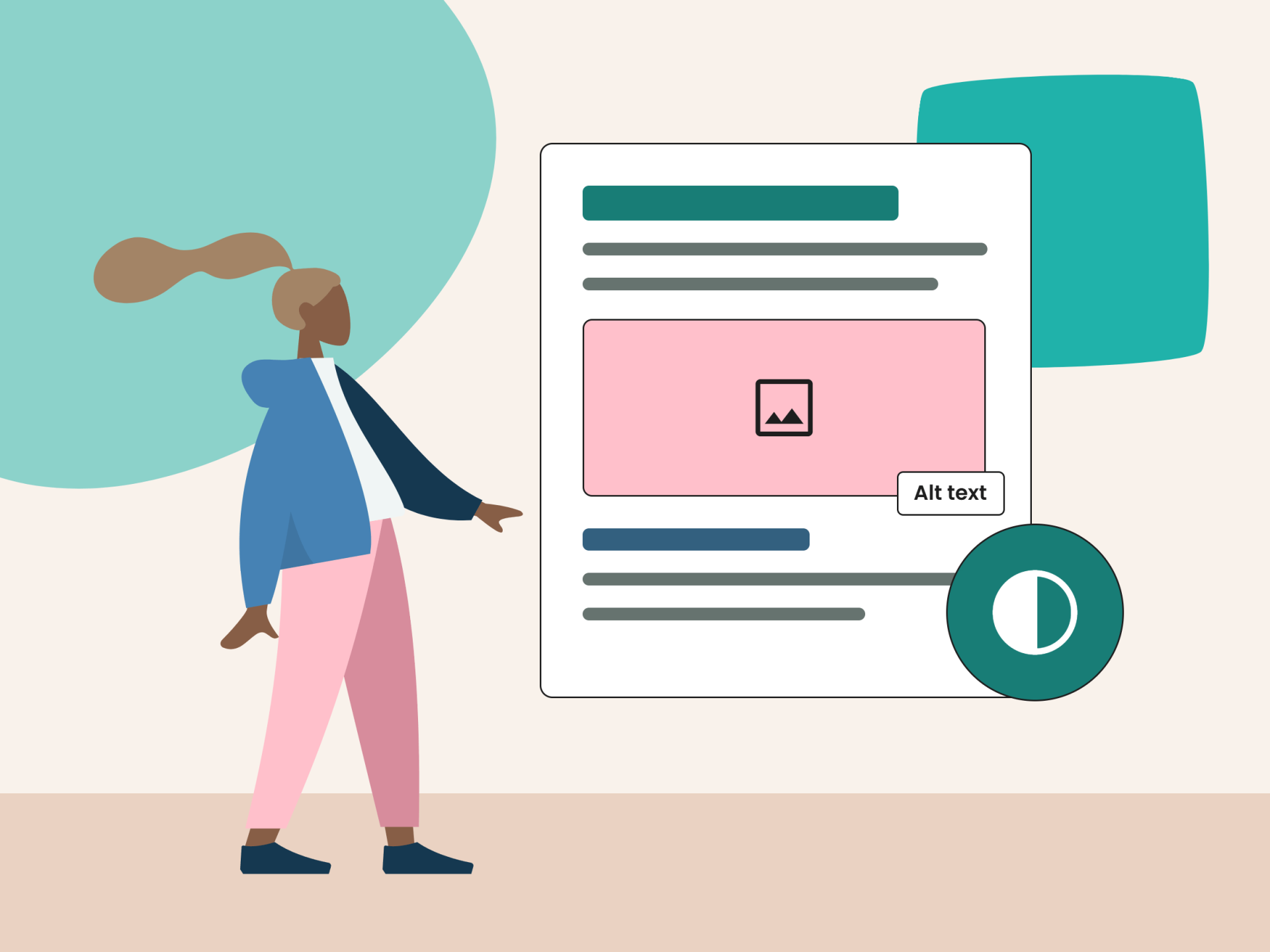
A content designer marks up a document for accessibility, and checks colour contrast.

Accessibility is an extension of content design

Content design and accessibility begin with the same question: who is this information for, and what do they need to succeed?

Accessibility standards make that intent measurable. They provide a framework that helps organisations test whether their content is truly usable for everyone, including people with disability.


The encouraging reality is that content designers are not starting from scratch. Many are already applying accessibility principles every day through:

  • plain language
  • structure
  • information hierarchy
  • audience-centred design.
The opportunity now is to bridge the remaining gap: understanding the technical requirements that support those principles, identifying where barriers still exist, and building the confidence to advocate for change.

When content teams combine strong design practice with accessibility expertise, inclusion stops being an aspiration and becomes part of the everyday publishing process.

DASAT is a Content Design Hub partner specialising in digital accessibility auditing, training and standards compliance for Australian organisations.
  Course: The Elements of Content Design

Learn more about content design

Take The Elements of Content Design course to learn:
  • the foundational principles that make content effective and user-friendly 
  • key concepts such as clarity, simplicity, consistency and accessibility
  • how each concept contributes to an engaging user experience
  • how to create purposeful, strategic and user-centred digital content
  • how to balance visual and textual elements to enhance readability and interaction.
Narelle Wright
Narelle Wright
Narelle is the Director of Marketing and Digital Accessibility for Digital Access Solutions and Assistive Technology (DASAT), and a certified digital accessibility consultant. 

Narelle lives with severe vision impairment. Her goal is that the Web Content Accessibility Guidelines (WCAG) are part of the standard operating procedures of all businesses.
Created with